Table of Contents
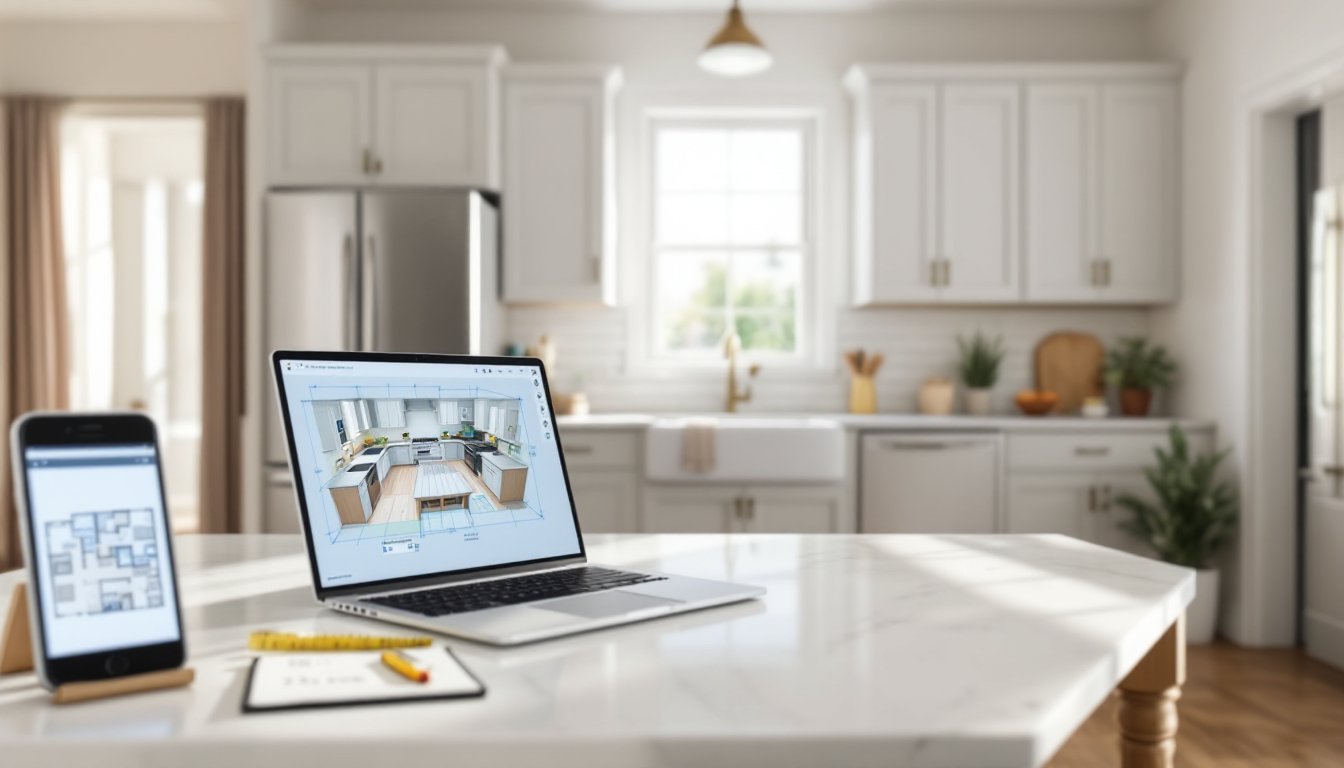
TogglePlanning a kitchen remodel without a clear vision is like cutting crown molding without measuring, expensive and frustrating. Free online kitchen design tools have leveled the playing field, giving homeowners the ability to mock up cabinet layouts, test finishes, and spot workflow issues before a single contractor bid comes in. These platforms won’t replace a licensed designer for complex structural work, but they’ll save hours of back-and-forth and help avoid costly layout mistakes. Whether working with a 10×10 galley or an open-plan chef’s kitchen, free design software makes it possible to visualize changes, test appliance placement, and generate material lists without spending a dime.
Key Takeaways
- Design a kitchen online free using tools like IKEA Kitchen Planner, RoomSketcher, or SketchUp Free to visualize layouts, test appliance placement, and avoid costly mistakes before hiring contractors.
- Accurate measurements are critical—record wall lengths, ceiling heights, and door/window locations with precision, as even 1-inch errors can result in gaps or cabinets that won’t fit.
- The work triangle between sink, stove, and refrigerator should total 13–26 feet for optimal workflow; position the sink first, then the range, leaving at least 15 inches of counter landing space.
- Free kitchen design software generates 2D floor plans and 3D renderings with product catalogs and materials lists, enabling you to spec actual cabinet models and appliances without guesswork.
- Test appliance door swings, verify clearances (42 inches around islands, 18 inches minimum for backsplash zones), and review designs with household members before finalizing to catch functional issues.
- Free tools won’t replace licensed designers for structural work like removing load-bearing walls or relocating plumbing, but they provide a solid foundation for contractor quotes or DIY installation.
Why Use Free Online Kitchen Design Tools?
Free kitchen design software bridges the gap between vague Pinterest boards and actionable remodel plans. These tools allow homeowners to input accurate room dimensions, experiment with cabinet configurations, and see how different countertop materials look under various lighting conditions.
Most platforms generate 2D floor plans alongside 3D renderings, making it easier to communicate with contractors or DIY the project entirely. They help identify clearance issues, like a refrigerator door that won’t open fully or a dishwasher that blocks a walkway, before demolition starts.
Another advantage: many free tools include product catalogs from major manufacturers. This means users can spec actual cabinet models, appliances, and hardware, then export a materials list with model numbers and dimensions. That list becomes the foundation for accurate quotes and avoids the guesswork that leads to budget overruns.
For anyone tackling a kitchen update without hiring a designer, these platforms provide a sanity check. They won’t replace professional expertise for structural changes, like removing load-bearing walls or relocating plumbing, but they’ll clarify whether a layout works before tearing out drywall.
Top Free Kitchen Design Software and Apps
IKEA Kitchen Planner
IKEA’s browser-based planner is purpose-built for their cabinet system, which uses 32mm frameless construction and a modular grid. The tool snaps base cabinets, wall cabinets, and appliances into place along a virtual wall, automatically calculating filler strips and necessary hardware.
Users start by entering room dimensions and door/window locations. The planner then suggests cabinet combinations based on available wall space, flagging spots where a toe kick or end panel is required. It’s particularly useful for visualizing IKEA’s SEKTION line, which comes in standard widths from 12″ to 40″ (actual cabinet box dimensions, not door widths).
The software generates a shopping list with article numbers and a printable layout, which can be brought into an IKEA store for verification. Limitations: it only works with IKEA products, and the 3D view is basic. But for homeowners committed to a DIY install using IKEA cabinetry, it’s the most accurate free tool available.
RoomSketcher and SketchUp Free
RoomSketcher offers a web-based interface with drag-and-drop functionality for walls, windows, and fixtures. The free tier allows one active project and includes a library of generic appliances and cabinets. It’s not tied to a specific manufacturer, so users can design layouts that mix custom cabinetry, stock units, and freestanding pieces.
The 2D floor plan view shows dimensions in real time, making it easy to verify that a 36-inch range actually fits between two base cabinets with proper clearance. The 3D walkthrough mode is more polished than IKEA’s, though exporting high-resolution images requires a paid upgrade.
SketchUp Free is a browser version of the popular 3D modeling software. It has a steeper learning curve, users draw walls and extrude shapes rather than snapping pre-made objects, but the payoff is full customization. The 3D Warehouse includes thousands of downloadable models, from Wolf ranges to Kohler farmhouse sinks, all dimensionally accurate.
For a DIYer comfortable with CAD-style tools, SketchUp Free can model everything from a simple U-shaped layout to a complex island with a built-in wine fridge and microwave drawer. It’s overkill for a basic refresh, but invaluable for anyone planning custom millwork or unconventional layouts.
How to Get Started with Your Online Kitchen Design
Before opening any software, measure the existing space. Use a 25-foot tape measure and record:
• Wall lengths from corner to corner, not baseboard to baseboard
• Ceiling height at multiple points (older homes often aren’t level)
• Door and window locations, including casing width and how far they swing
• Existing plumbing and electrical, especially if planning to keep sink and range locations
Most layout failures stem from bad measurements. A 1-inch error in wall length can mean a gap behind the refrigerator or a cabinet that won’t fit.
Next, photograph the space from multiple angles, including close-ups of any quirks, radiators, HVAC vents, sloped ceilings, or off-square corners. Many kitchen design platforms allow users to upload reference photos alongside the floor plan, which helps when selecting finishes.
Once measurements are in, input them into the chosen tool. Most platforms default to imperial units (feet and inches), but double-check settings before starting. Draw walls, then place windows and doors. The software will often auto-generate a 3D view at this point, which makes it easier to spot data entry errors.
Finally, start placing major appliances. Standard residential ranges are 30 inches wide: refrigerators vary but most are 33–36 inches. Dishwashers are typically 24 inches wide, and they need clearance for the door to swing open. Lock these in first, then build cabinetry around them.
Essential Features to Look For in Free Design Tools
A capable free kitchen planner should include:
• Accurate dimensional input: The ability to enter fractional inches, not just rounded feet. A 10’3″ wall is not the same as a 10′ wall.
• Snap-to-grid or guides: This prevents accidental overlaps and ensures cabinets align properly.
• Appliance library: Pre-loaded models with correct dimensions for ranges, refrigerators, dishwashers, and microwaves.
• Cabinet customization: Options to adjust height, depth, and door style, even if the catalog is limited.
• Export options: The ability to save a floor plan as a PDF or image file, and ideally a materials list.
Some tools also offer lighting placement, which is critical for task lighting over counters and sinks. Others include finish samples, tile backsplashes, countertop materials, cabinet colors, that render in the 3D view.
Avoid platforms that force users to create an account before seeing any features, or that upsell paid tiers at every click. The best free tools provide real functionality upfront, with optional upgrades for advanced rendering or unlimited projects.
If a tool doesn’t allow custom dimensions or only offers a handful of generic cabinets, it’s more of a mood board than a planning resource. Serious DIYers need precision, not just pretty pictures.
Tips for Creating a Realistic and Functional Kitchen Layout
Start with the work triangle, the path between sink, stove, and refrigerator. In a functional kitchen, the sum of these three legs should be between 13 and 26 feet. Any shorter feels cramped: any longer wastes steps.
Place the sink first, ideally under a window or near exterior plumbing. If moving drain lines, check local codes, some jurisdictions require a licensed plumber for any changes to the drain-waste-vent (DWV) system.
Next, position the range. Gas ranges need a 1/2-inch gas line and may require a permit. Electric ranges need a dedicated 240V circuit. Leave at least 15 inches of counter space on one side for landing zone, per the National Kitchen & Bath Association (NKBA) guidelines.
Refrigerators often go in a corner or at the end of a run. Make sure the door swing doesn’t block traffic. A counter-depth model (typically 24–25 inches deep) aligns with standard base cabinets and creates a cleaner look, though it sacrifices interior capacity.
For base cabinets, stick to 24-inch depth (standard) unless working with a narrow galley. Wall cabinets are usually 12 inches deep. The space between countertop and wall cabinet, the backsplash zone, should be 18 inches minimum for usable workspace.
Islands need 42 inches of clearance on all sides for comfortable traffic flow, per most building codes. If the island includes seating, allow 24 inches of width per person and 15 inches of knee space under the counter overhang.
Many design inspiration sites showcase beautiful layouts, but not all translate to real-world function. Prioritize clearances, traffic flow, and access to plumbing and electrical before committing to a layout. If the design requires moving a load-bearing wall or relocating a gas line, consult a structural engineer or licensed contractor, free software can’t assess structural loads.
Test appliance door swings in the 3D view. A French-door refrigerator may look sleek, but if one door hits a wall when opened, it’s a bad fit. Similarly, a wall oven stacked above a warming drawer looks high-end, but if it requires bending awkwardly to check a roast, it’s poor ergonomics.
Finally, review the design with anyone who’ll use the kitchen regularly. Small kitchen solutions often emphasize vertical storage, pull-out organizers, and multi-function zones, features that matter more than finish samples when living with the space daily. A second perspective catches blind spots, like a microwave placed too high for kids to reach or a corner cabinet with no lazy Susan.
Once the layout feels right, print the floor plan and materials list. Use them to request contractor quotes or as a reference for a DIY install. Free design tools won’t handle permitting, electrical load calculations, or HVAC adjustments, but they’ll provide a solid foundation for the next phase of the project.